UNGUESS Signature
Aggiungere o modificare una firma
Puoi inserire fino a 10.000 caratteri nella firma.
-
Apri Gmail.
-
In alto a destra, fai clic su Impostazioni Visualizza tutte le impostazioni.
-
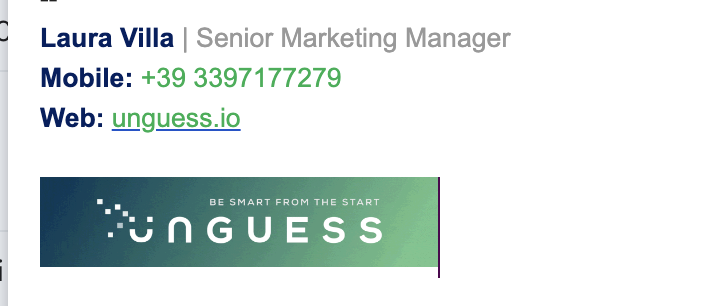
Inserisci il testo della firma nel riquadro della sezione "Firma". Se lo desideri, puoi formattare il tuo messaggio aggiungendo un'immagine o cambiando lo stile del testo. La firma UNGUESS deve essere come l'immagine in allegato, puoi fartela mandare da un tuo collega, copiarla e incollarla
-
Fai clic su Salva modifiche in fondo alla pagina.
ENG
Add or change a signature
You can put up to 10,000 characters in your signature.
- Open Gmail.
- At the top right, click Settings See all settings.
- In the "Signature" section, add your signature text in the box. If you want, you can format your message by adding an image or changing the text style The UNGUESS signature has to be like the one in the image above. You can copy/paste it forum one of your collegue
- At the bottom of the page, click Save Changes.
REFERENCE: https://support.google.com/mail/answer/8395?hl=en&co=GENIE.Platform%3DDesktop